Jackery sells portable power stations from phone-charger size up to home-backup scale. This page compares four points in the range: the Explorer 300, 1000, 3600 Plus and 5000 Plus. It uses published specs and basic arithmetic. We haven't bench-tested these units for this page, so treat runtimes as estimates and confirm current specs and pricing on Jackery's official site.
A note on model names
Jackery has released several generations under similar names. "300" can mean the original Explorer 300 or the Explorer 300 Plus. "1000" can mean the original 1000, the 1000 Plus, or a v2 version. Check the exact name on the product page before comparing. For how the generations differ, see What is the difference between the Jackery Explorer v2 and Plus series?
Side-by-side snapshot
| Model | Approx. capacity | Rated AC output | Expandable? | Best fit |
|---|---|---|---|---|
| Explorer 300 / 300 Plus | About 288–293 Wh | 300 W | No | Phones, laptops, CPAP, small devices |
| Explorer 1000 (family) | About 1,000 Wh or more, depending on version | Varies by version; check the listing | Plus version: yes | Multi-day small loads, short bursts of larger ones |
| Explorer 3600 Plus | About 3,600 Wh | About 3,600 W | Yes, with add-on packs | Essential home circuits, extended outages |
| Explorer 5000 Plus | About 5,000 Wh | About 7,200 W | Yes, with add-on packs | Home-backup setups with heavier loads |
Figures are rounded from publicly listed specs and can differ by version. Confirm exact numbers, ports, weight and solar input limits on the official site.
How to estimate runtime
Use this rule of thumb: capacity (Wh) × about 0.85 ÷ load (W) = hours. The 0.85 allows for inverter losses. Real results vary with temperature, battery health and how a device cycles on and off.
- A 50 W load on a 288 Wh unit: roughly 4–5 hours.
- A 100 W load on a 1,000 Wh unit: roughly 8 hours.
- A 150 W average load on a 3,600 Wh unit: roughly 20 hours.
For device-by-device numbers, use What Can a Jackery Run? Wattage and Runtime Chart by Model. For background on why inverter losses and surge ratings matter, see How a Jackery Solar Generator Works.
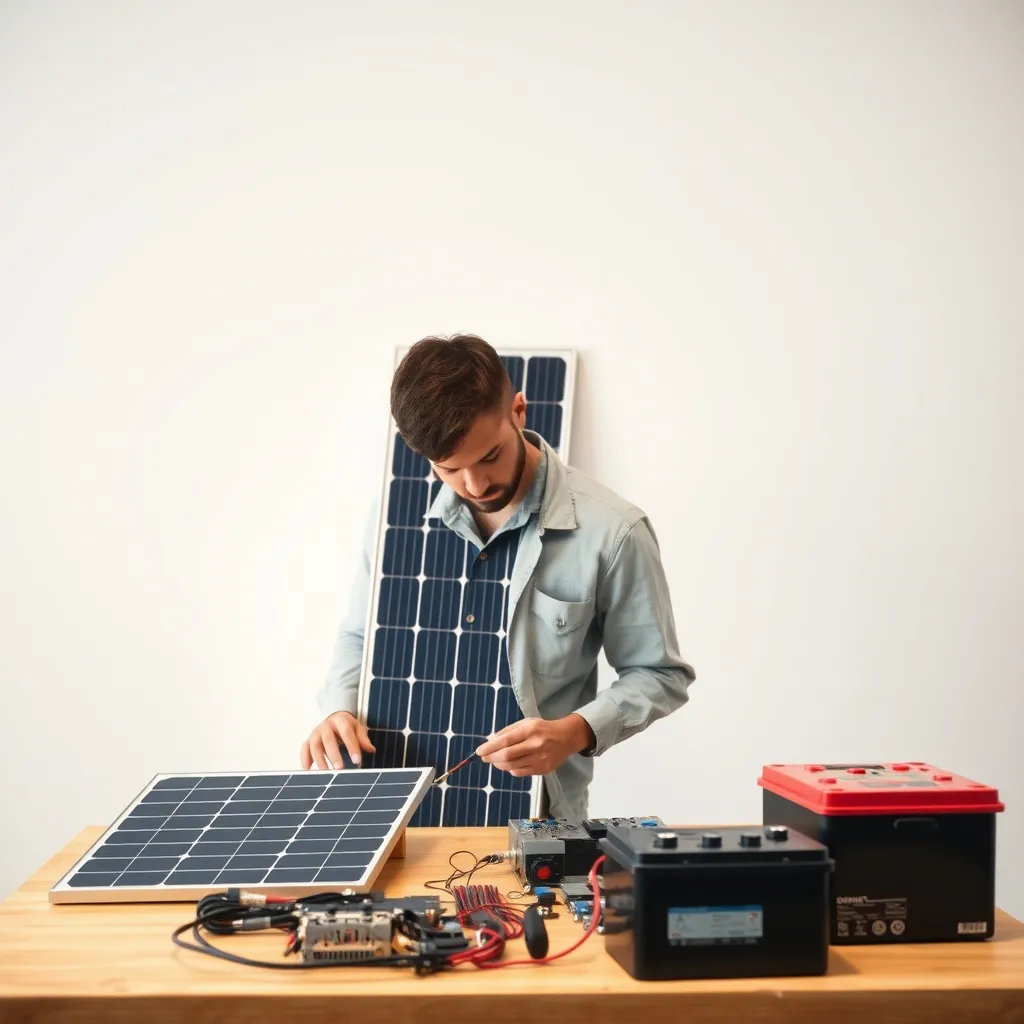 Recommended for youHow a Jackery Solar Generator Works: Battery, Inverter, Ports and Solar Input Explained
Which size fits which job
Explorer 300: small and portable
This is the one to grab for a few essentials. It covers phone and laptop charging, lights and a router. It can also run a low-draw CPAP overnight, but check the details first. Humidifiers and heated hoses raise the draw considerably. See Which Jackery is best for a CPAP machine? If the machine supports a medical need, talk to your provider about backup planning. A portable power station should not be your only plan for life-sustaining equipment.
The tradeoff is that 300 W cannot run a space heater, kettle or most power tools. It also has little headroom for anything with a motor.
Explorer 1000: the middle ground
A 1,000 Wh-class unit can run a router, lights and device charging for a day or more. It can also handle a Starlink Mini (can a Jackery power a Starlink Mini?) or a small fridge for a limited time. It is still portable enough to move between rooms or to a campsite.
The tradeoff is that it is a poor fit for sump pumps with high startup surges or for anything running continuously for days. Read Can a Jackery run a sump pump? before relying on one for that. Which version you buy matters here, because output and expandability differ.
Explorer 3600 Plus: essential-circuits backup
This tier is built to keep a refrigerator, lights, internet and some outlets running through an outage. Its expansion options are the main draw. Adding battery packs extends runtime without replacing the unit. Details are in Jackery Expandable Battery Packs and Home Backup Kits.
The tradeoffs are weight, cost and size. It is a stationary unit in practice. Whole-home connections may require a transfer switch or similar equipment installed by a licensed electrician, and local codes apply.
Explorer 5000 Plus: larger home backup
This one targets heavier loads and bigger setups. It makes the most sense if you want well water, a larger fridge or freezer, and several circuits at once. Check the official specs for 120V and 240V output options, and for what accessories are needed to connect to a home panel.
The tradeoff is that capacity you don't use is money you didn't need to spend. A measured load list often shows a smaller unit plus expansion would do.
Practical steps for choosing
- List what must run. Write down each device's running watts from its label.
- Find the highest startup surge. Motors (fridges, pumps) can briefly draw several times their running watts. Compare that to the unit's surge rating.
- Add up simultaneous load. This must stay under the rated AC output.
- Pick your outage length. Multiply the average watts by the hours you need and divide by 0.85 to get the Wh needed.
- Plan recharging. Wall charging is simplest. Solar matters in long outages, so check SolarSaga panel options and charging methods and times by model.
- Check smart features. App monitoring can be useful during an outage. See Jackery App Control and Smart Features.
Safety basics
- Never run a gas generator indoors. Battery stations don't produce exhaust, but still need ventilation and dry conditions. See Can you use a Jackery indoors?
- Don't backfeed a home panel through an outlet. Use approved transfer equipment installed by a licensed electrician.
- Follow the manual for operating and storage temperatures.
Bottom line
Choose the 300 for portable essentials, the 1000 for flexible short outages and travel, the 3600 Plus for essential-circuit home backup, and the 5000 Plus if you have heavier loads or want maximum expansion headroom. If you're torn between two tiers, the right choice usually comes from your load list, not from the biggest number on the spec sheet. For a broader overview of the range, start with Jackery Models, Features & How They Work, then confirm current specs, prices and warranty terms on Jackery's official site.
Keep reading
 What Can a Jackery Run? Wattage and Runtime Chart by ModelShort answer: a Jackery can run any device whose running watts stay under the unit's rated AC outpu…
 How to Charge a Jackery: Wall, Car and Solar Methods and Times for Every ModelCharging a Jackery is simple in principle: power goes into the battery through a wall outlet, a car…
 Jackery SolarSaga Solar Panels: Models, Wattage, Setup and CareJackery SolarSaga panels are the foldable solar panels the company sells to recharge its Explorer p…